Install on Android
Click here for iOS.
-
Click the 'Android APK' link in the e-mail.
-
The link will start the download. If a warning shows up, please press OK.
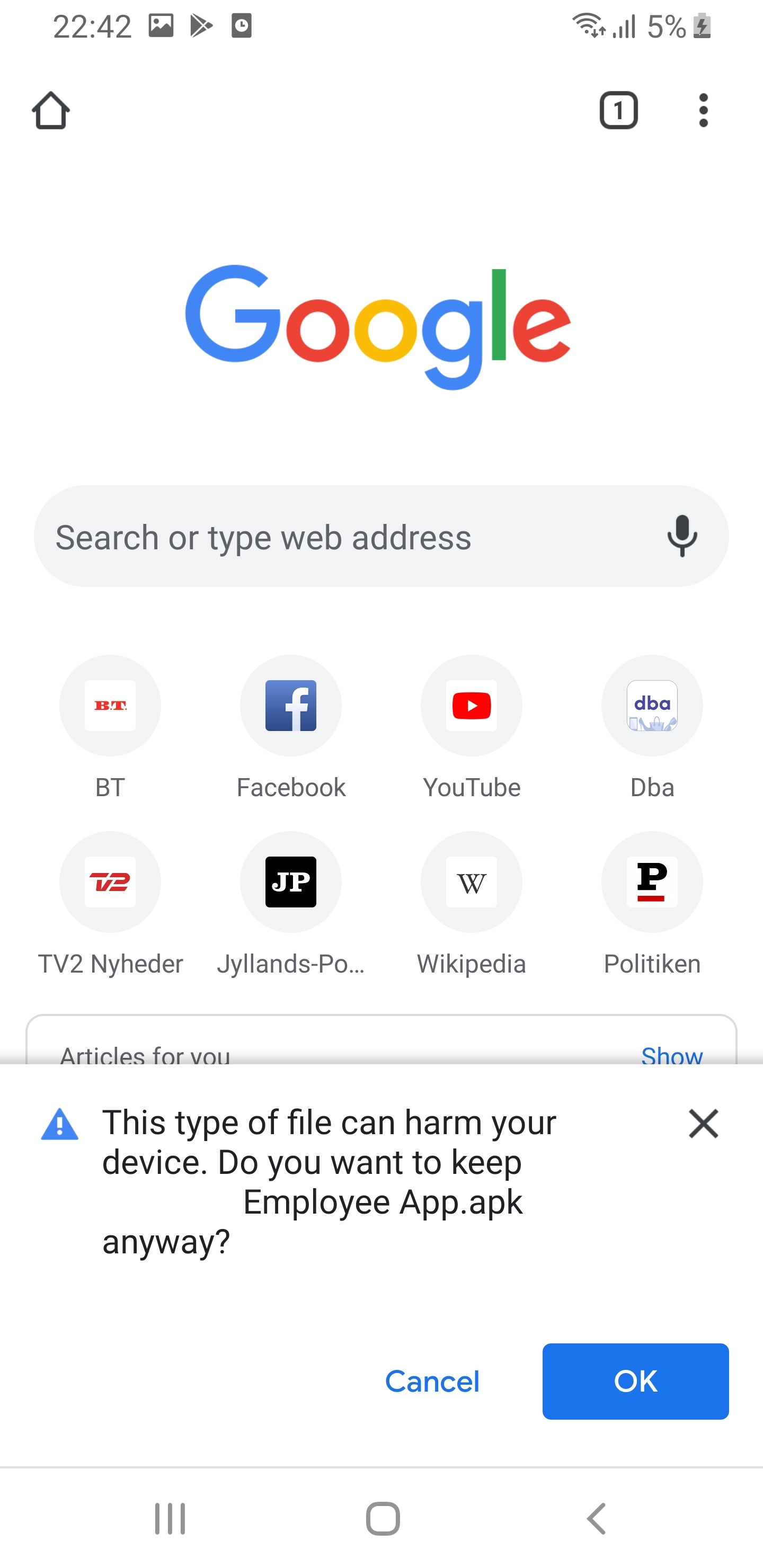
NOTE: This warning is shown because the app is not downloadet from the Google Play Store. We guarantee that it will not harm your device. -
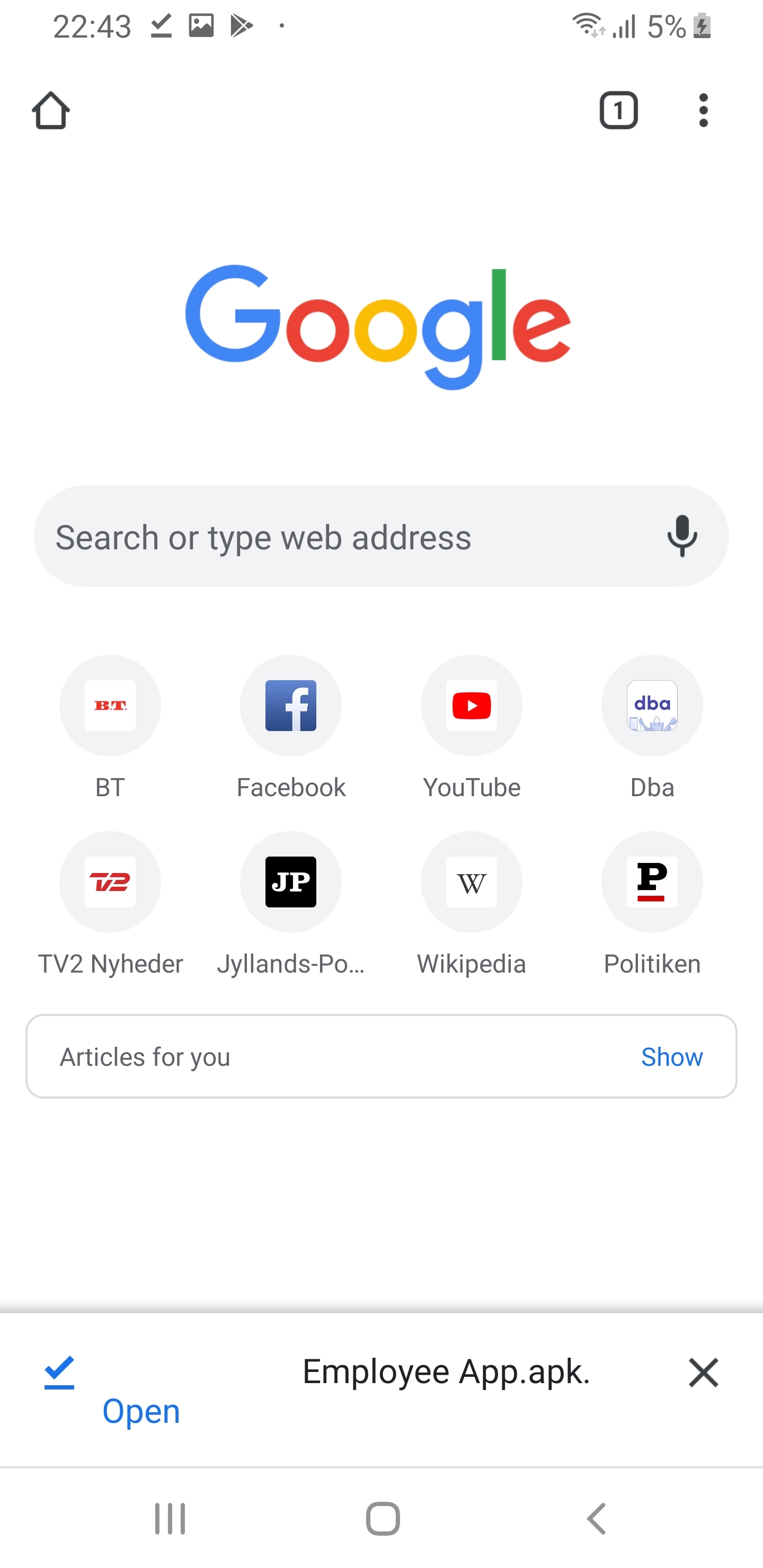
After downloading, click to Open:
-
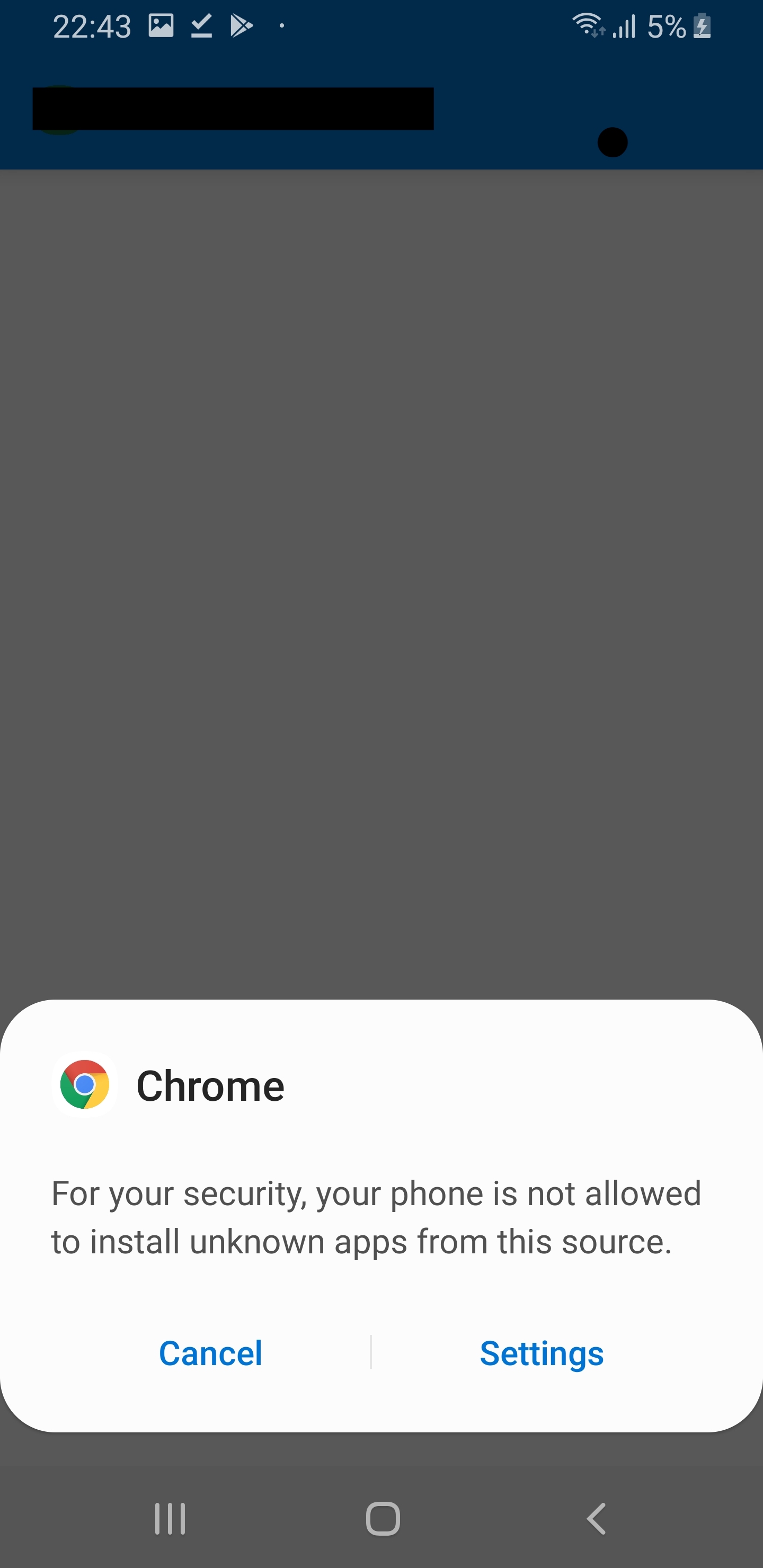
Another warning might appear, saying that Chrome (or which program was used to download the app) is not allowed to install unknown apps. Click on Settings to continue:
-
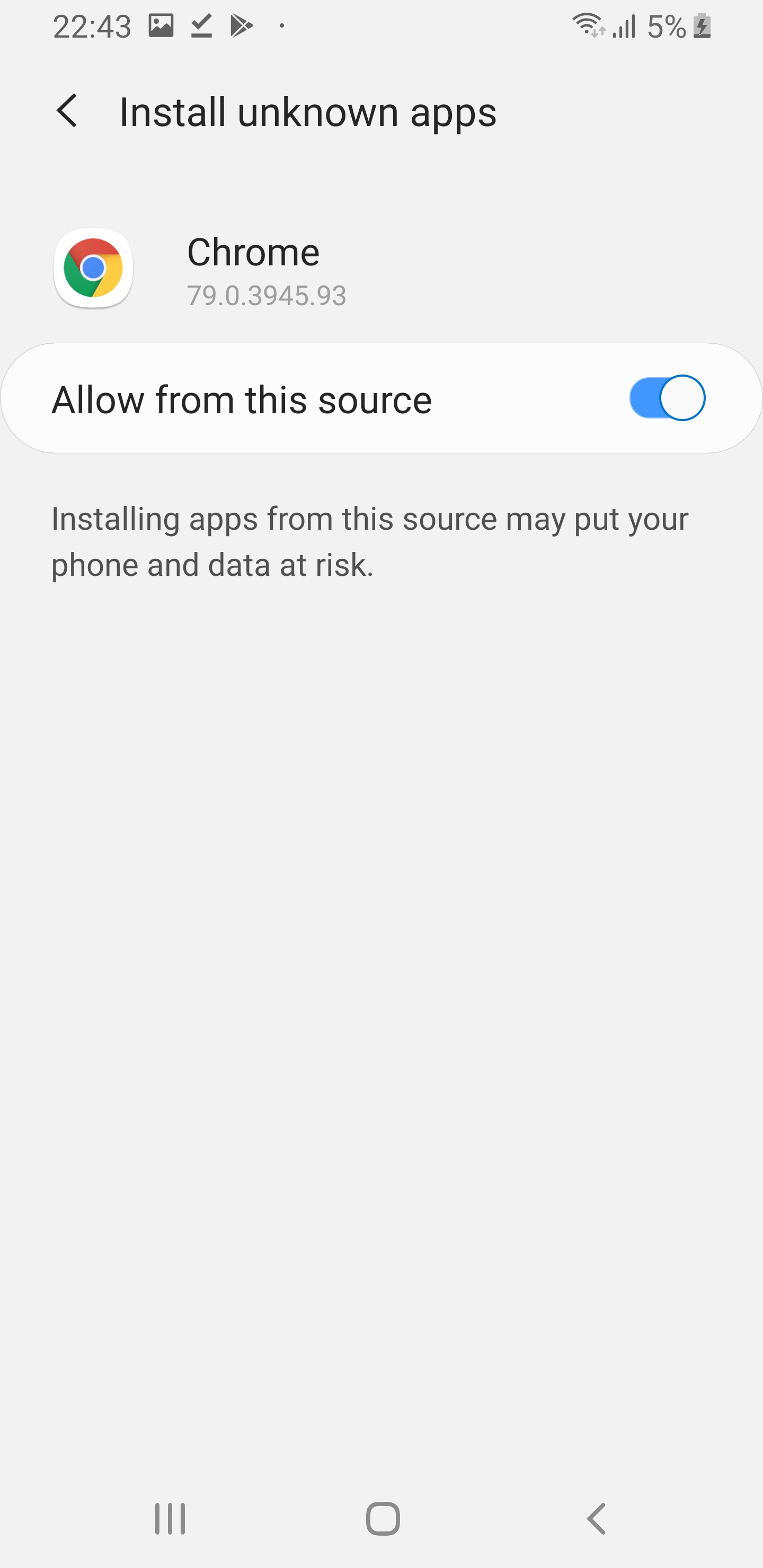
In the settings screen, switch the 'Allow from this source', and click back:
-
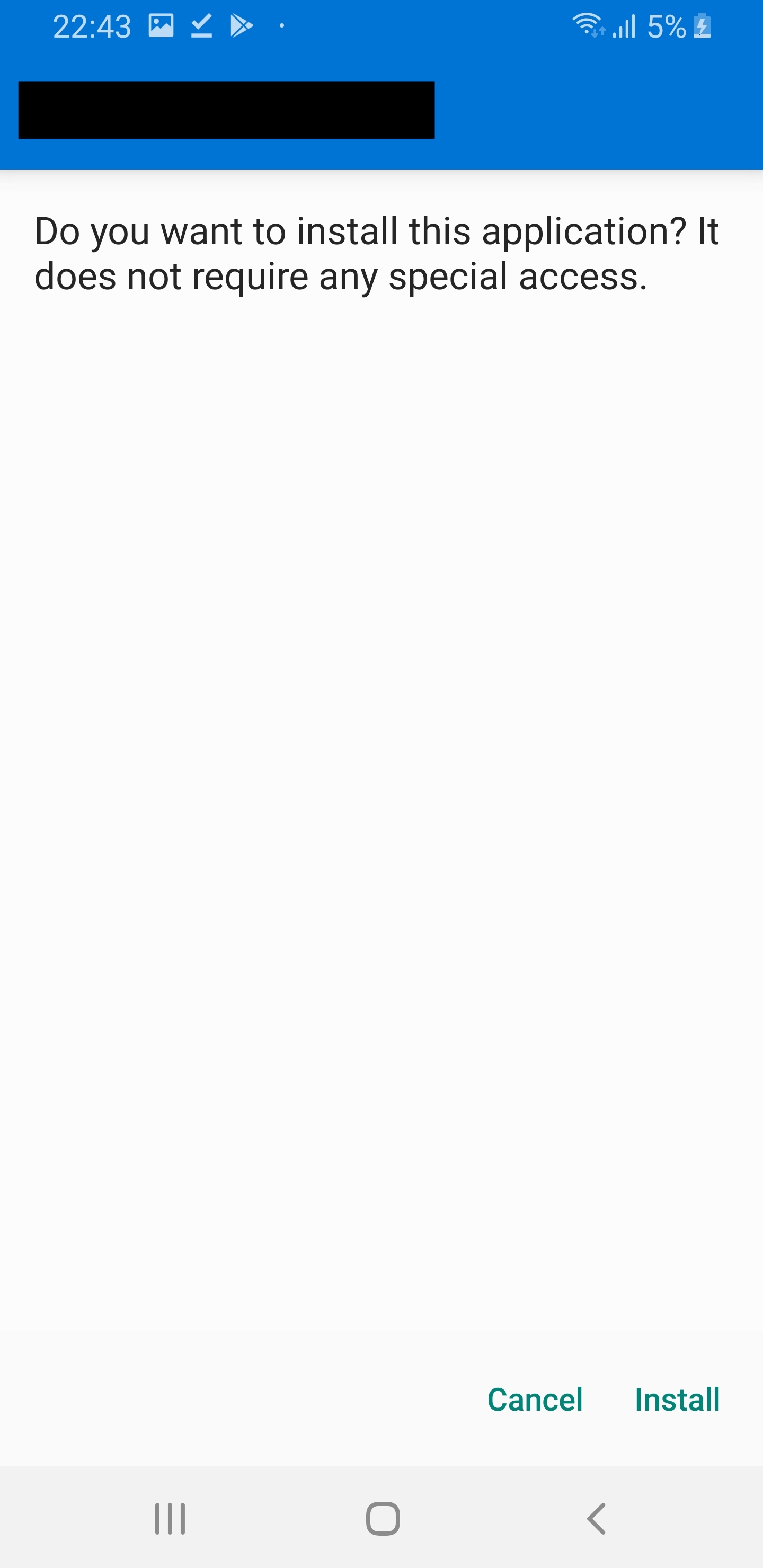
Now it is time for actually installing, so click Install:
-
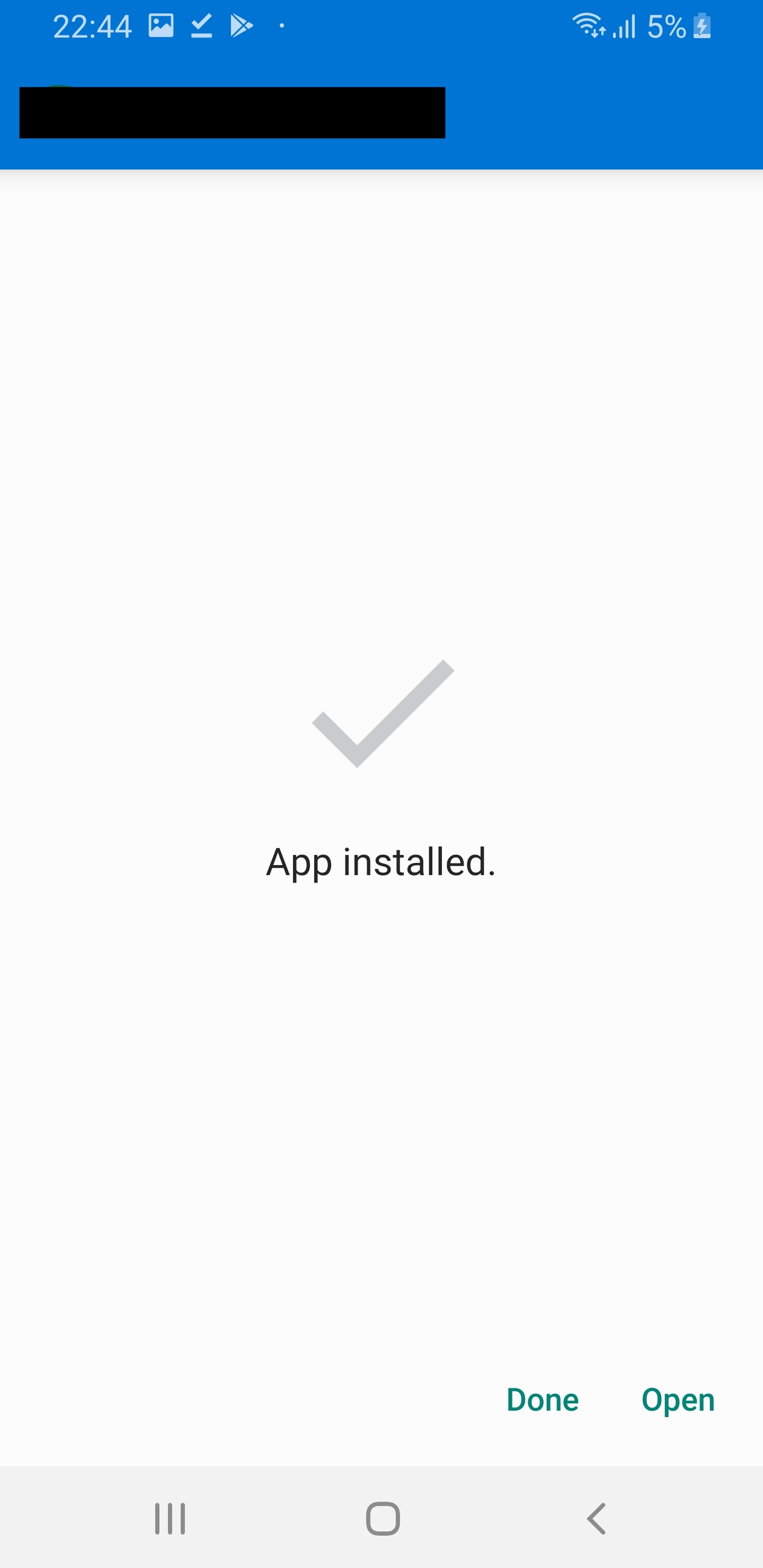
When the app is done installing, click Open:
-
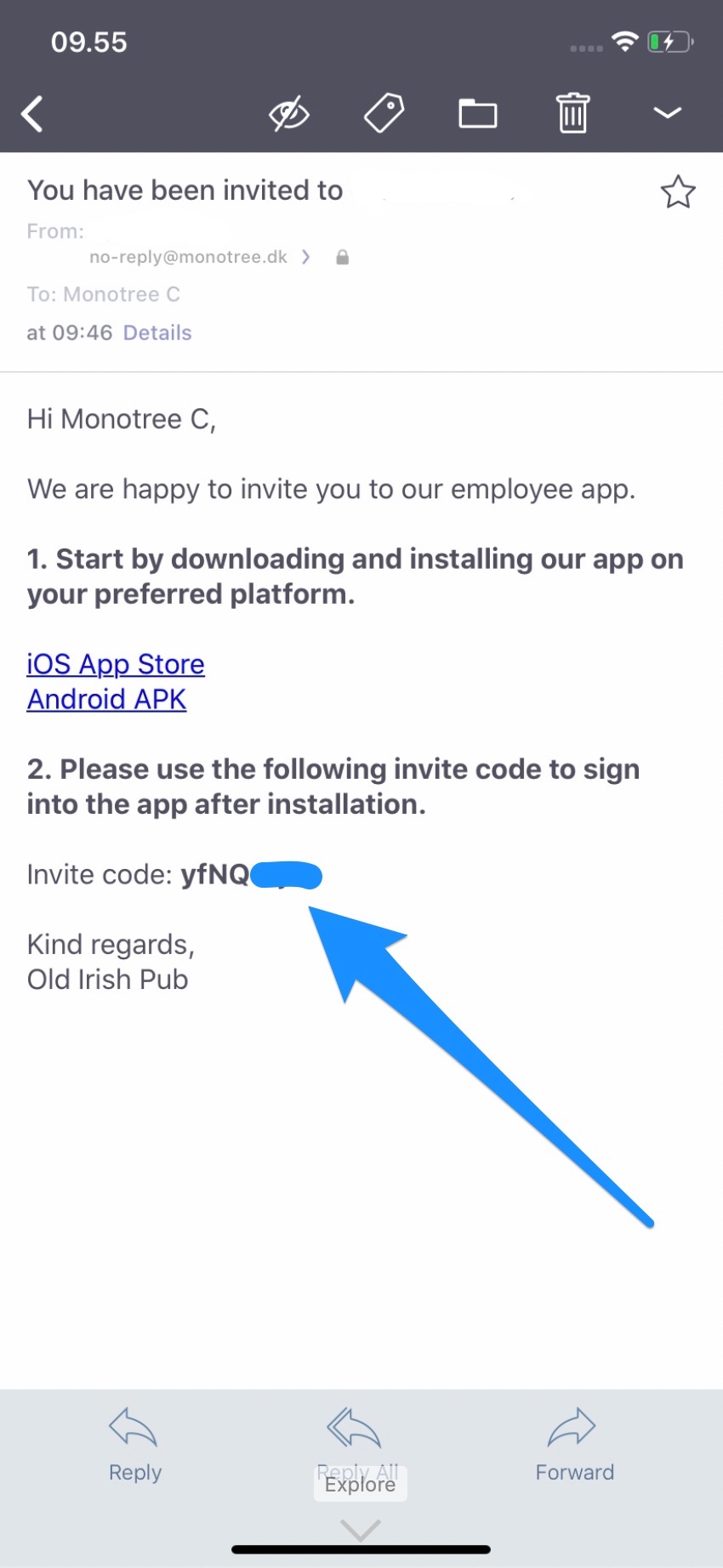
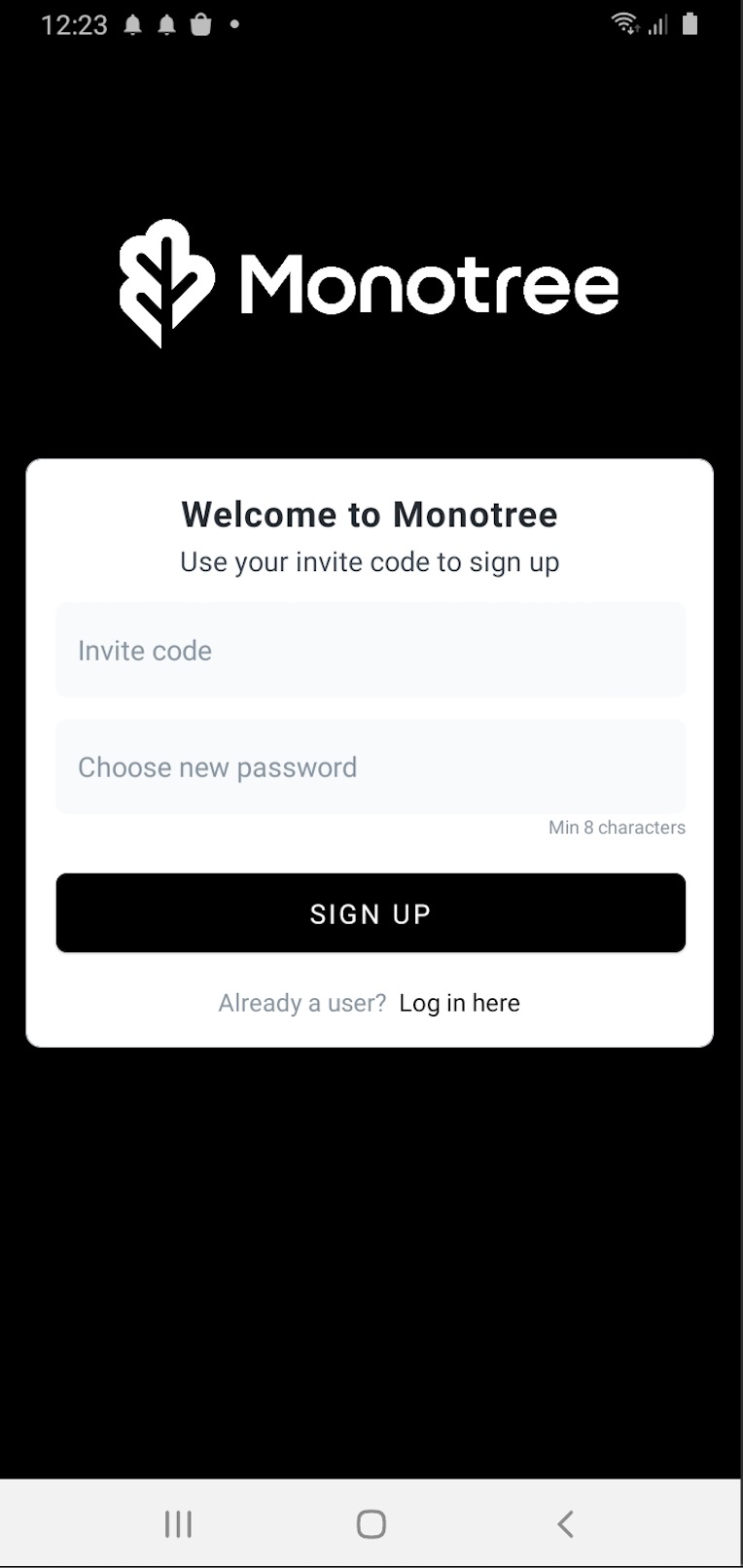
On the first screen paste the invite code from the e-mail and choose a password:
-
You are now signed in and ready to use the app.