Install on iOS
Click here for Android.
-
Click the 'iOS App Store' link in the e-mail.
-
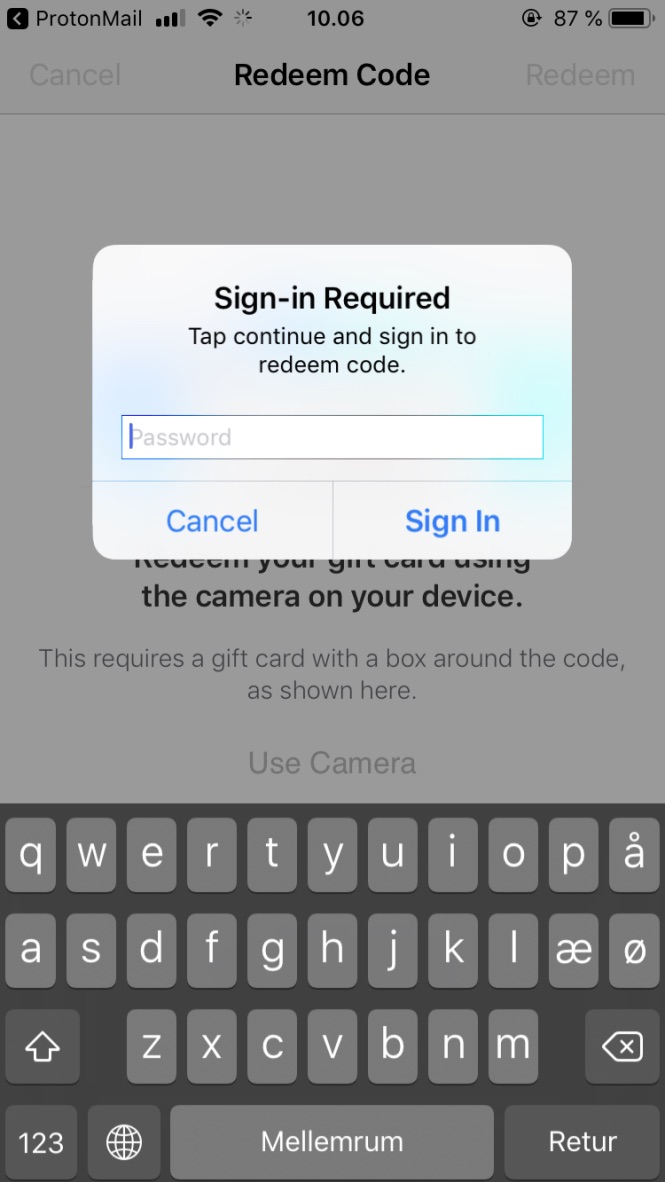
The link takes you to the App Store, you might need to sign in with your Apple ID password to continue.
-
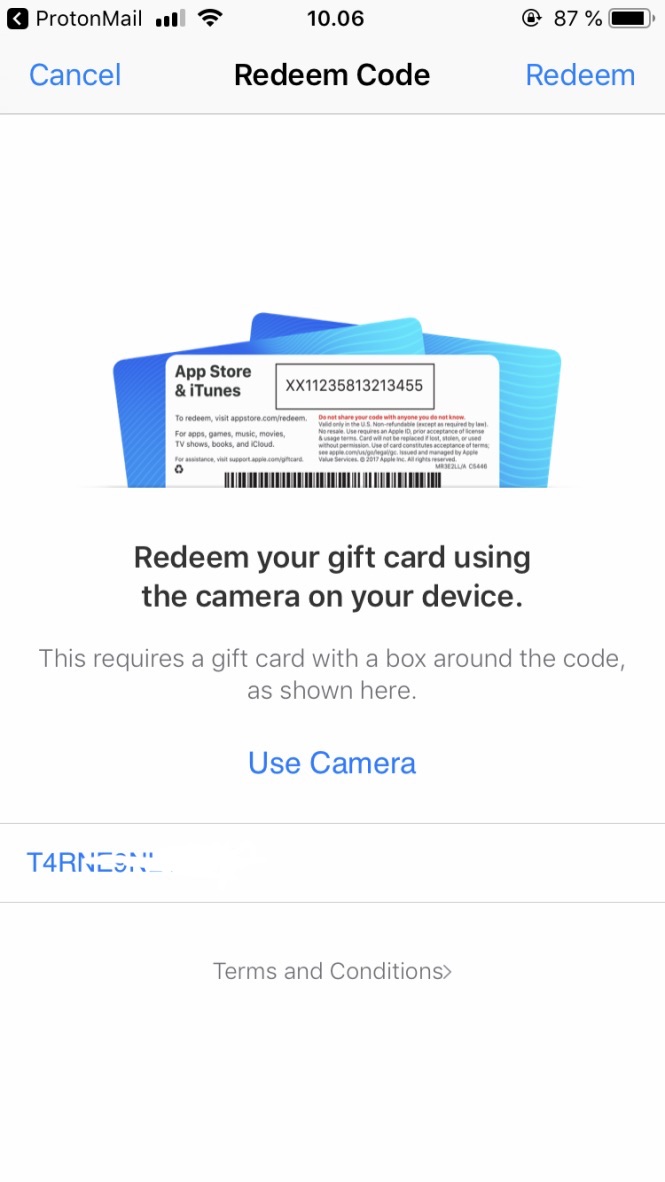
Upon signing in you will be redirected to the redeem screen. If the download does not start automatically, press ‘Redeem’ in the top right corner:
NOTE: Your Apple ID must be associated with the same country as your workplace. If it is not, please change your country in the Apple ID settings before proceeding. Click here for a guide.
-
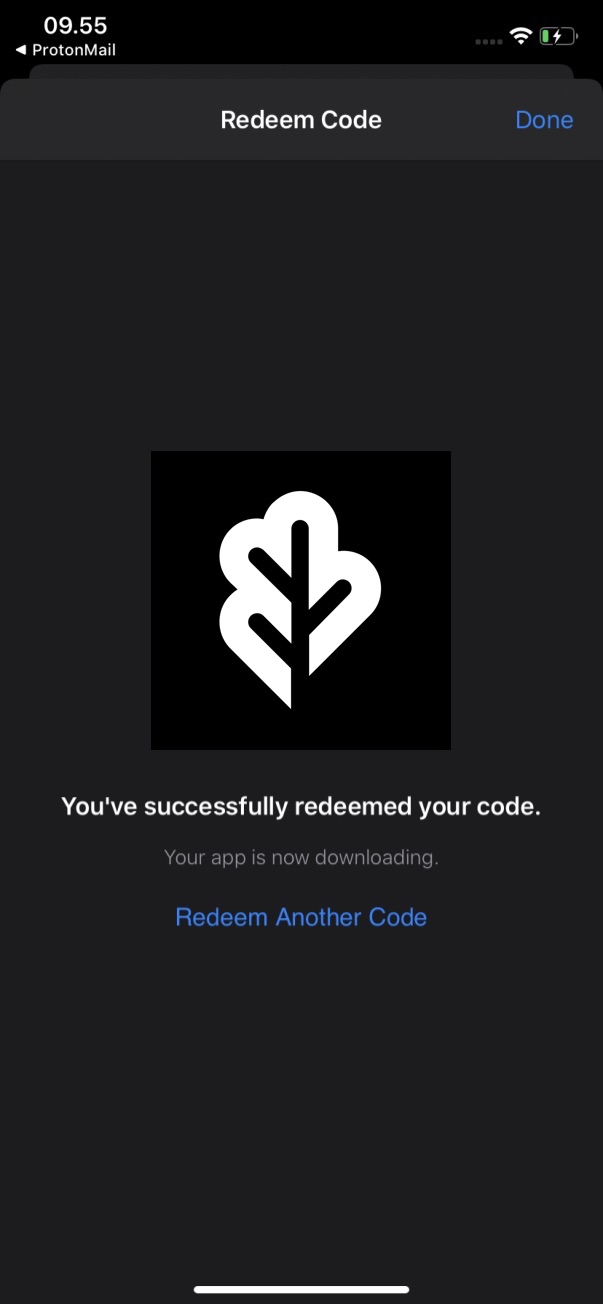
The app will download to your phone.
-
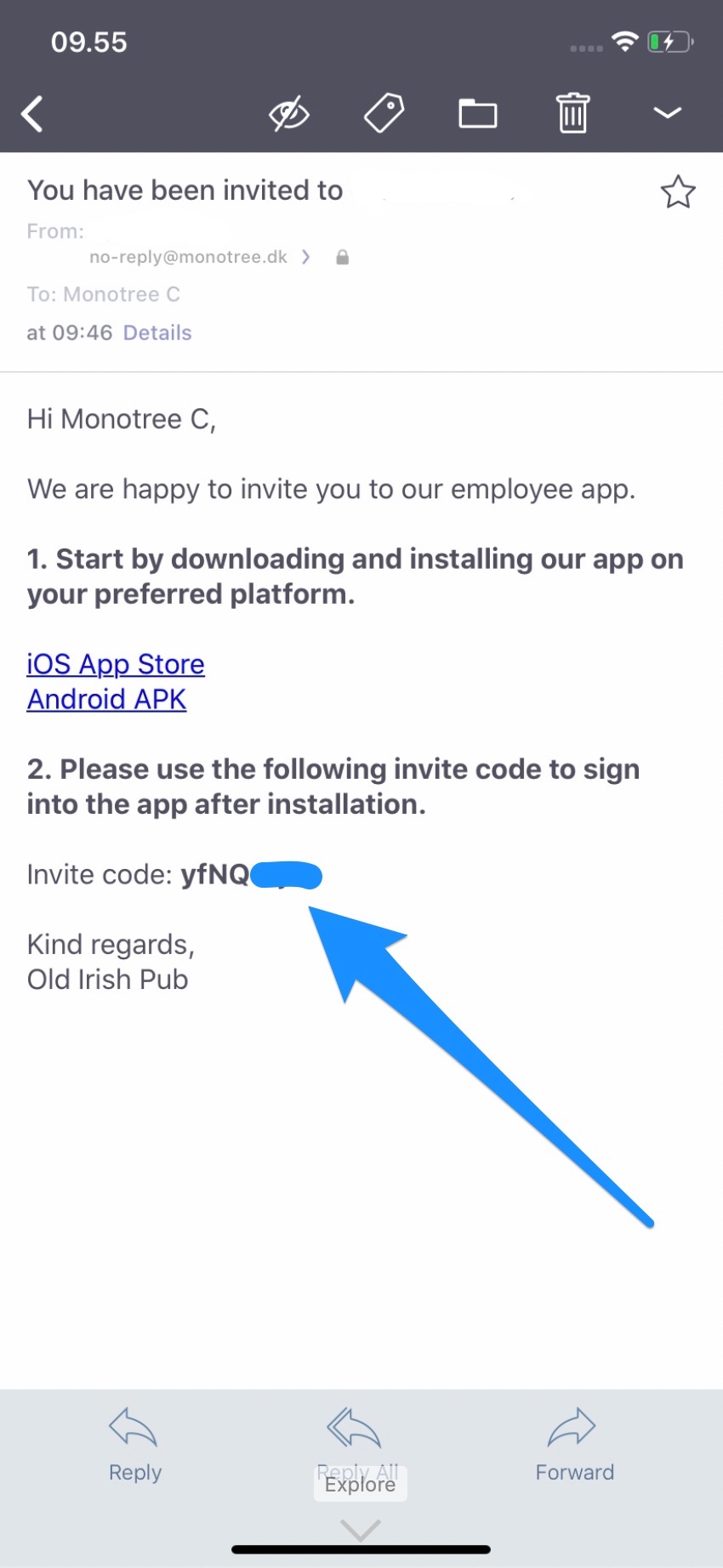
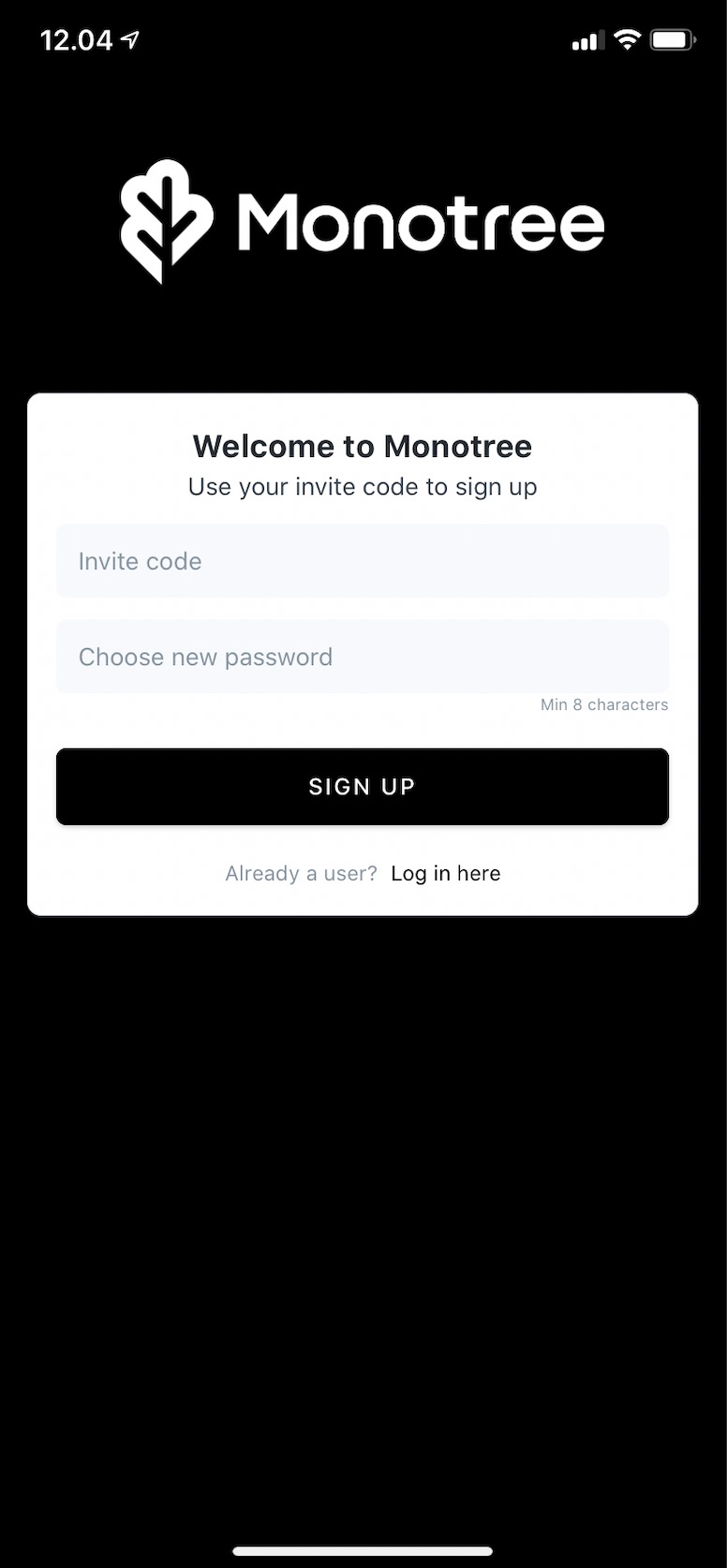
Open the app and paste the invite code from the e-mail and choose a password:
-
You are now signed in and ready to use the app.
Troubleshooting
Users with a foreign Apple ID can have trouble downloading the app via the link in the invitation. These users can use the general Monotree app from the iOS App Store. To do that, please follow these steps:
- Search Monotree in the App Store and download the app.
- Open the app and type the Company ID from your invite mail in the Company ID field with lowercase characters and no spaces.
- Log in with the invite code provided in the invitation.